Zorin OS 18.1
Available downloads
Choose the image that matches your architecture and use case.
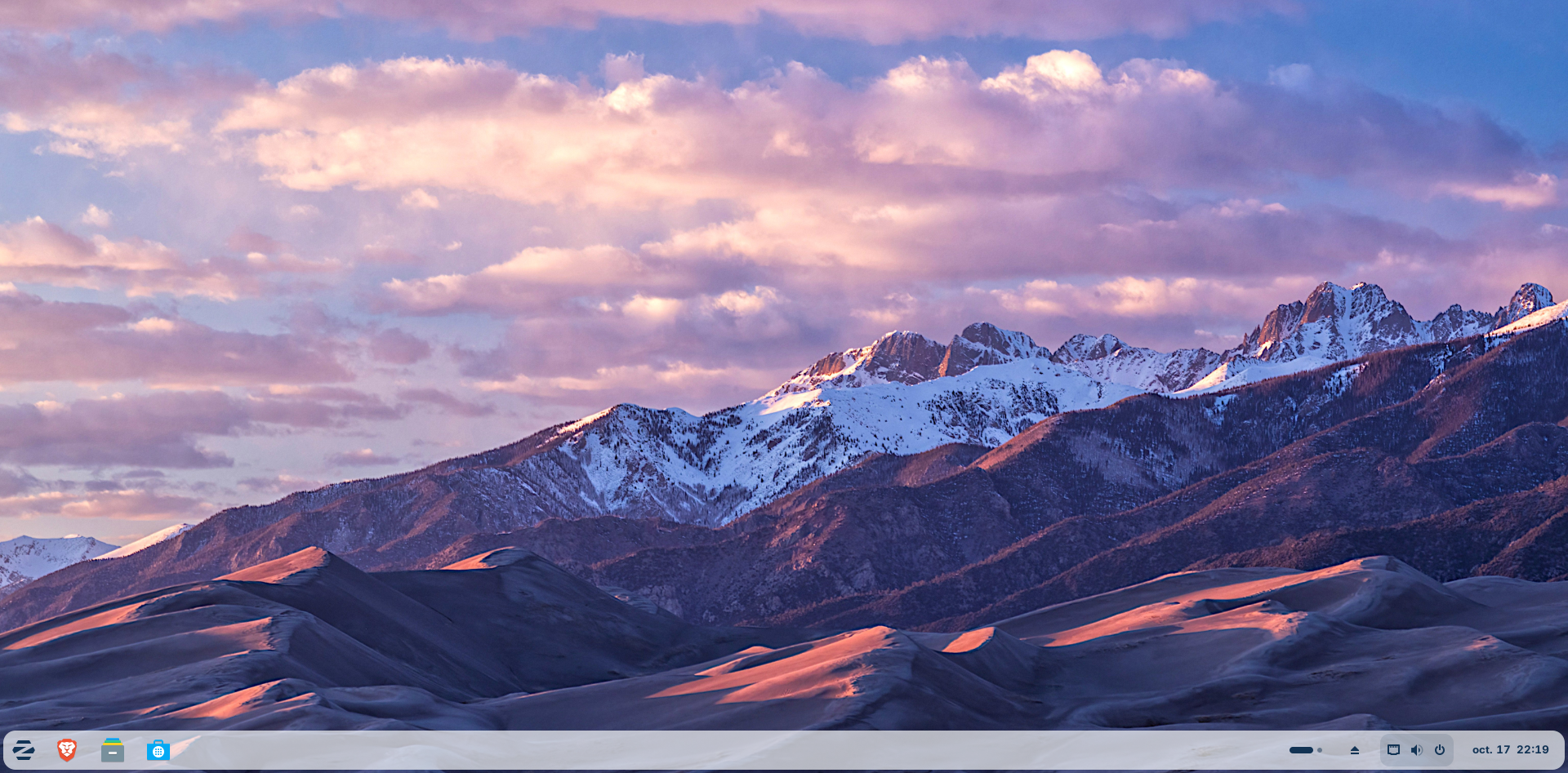
Reference screenshot; point releases may differ. ZoraFlottant · Source · CC0-1.0
Description
Zorin OS is an Ubuntu-based desktop distribution designed to provide a familiar and accessible transition from Windows or macOS. Zorin OS 18.1 is available in Core, Education and Pro editions and receives software and security updates until June 2029.
Who is Zorin OS for?
Zorin OS is primarily suited to people moving from Windows or trying Linux for the first time; daily desktop use, study, web browsing and productivity. Before choosing it, compare the current release lifecycle with the length of support required for the machine. This distribution is based on ubuntu, which influences package formats, repositories and much of the available documentation. The listed desktop environment is Zorin Desktop; confirm its memory, graphics and accessibility requirements on the official project site. The best choice depends on hardware support, preferred software, update policy and the amount of system administration the user wants to perform.
Before installing
Read the release notes and installation guide before downloading. Select an image that matches the processor architecture and intended use: desktop, server, live media, virtual machine or another published edition. Test Wi-Fi, graphics, audio, storage and suspend from live media when that option is available. Back up important files before repartitioning, encryption changes or dual-boot installation. Download from an official project page or mirror, compare the published SHA-256 checksum, and verify a signed checksum when the project provides one. After installation, apply updates before adding third-party repositories or drivers.
Advantages
- Designed to provide an approachable installation and everyday desktop experience.
- Benefits from the package ecosystem and documentation associated with its ubuntu lineage.
Limitations
- Hardware support, upgrade policy and available editions should be confirmed in the current official documentation.
Distribution details
- System type
- linux_distribution
- Based on
- ubuntu
- Desktop
- Zorin Desktop
- Updates
- Long-term support (LTS)
- Categories
- desktop, beginner
Installation requirements
- Architectures
- x86_64
- Memory
- 2 GB minimum
- Storage
- 15 GB minimum
- Firmware
- Intel/AMD 64-bit only; Apple silicon and ARM-based Surface devices are not natively supported.
15 GB applies to Core; Education requires 35 GB and Pro 45 GB.
Safe download
The download button first records an anonymous aggregated download counter and then redirects to the official source.
After installing Zorin OS
A project-specific post-installation checklist. Commands are displayed for your own equipment; the website never runs them. Use an authorized administrator account when required.
Back up files first
Open the backup application and choose a separate destination; verify a sample restoration.
Before you continue: Secure backup passwords and recovery keys.
Read project documentation: Back up files firstRun Software Updater
Open Zorin Menu, System Tools, Software Updater. Review and apply available updates.
Before you continue: Restart when requested before making further changes.
Read project documentation: Run Software UpdaterCheck NVIDIA only when applicable
Use Zorin's NVIDIA instructions for your hardware. Skip proprietary-driver changes if your device does not need them.
Before you continue: Do not copy a driver version from another distribution.
Read project documentation: Check NVIDIA only when applicableTest network connectivity
Check Wi-Fi after updates. If it fails, follow the hardware-specific troubleshooting steps.
Before you continue: Do not weaken firmware security settings without understanding the implications.
Read project documentation: Test network connectivityChoose trusted applications
Use Software and inspect the application source and package format before installing.
Before you continue: Avoid unfamiliar installers from unverified websites.
Read project documentation: Choose trusted applicationsAvoid duplicate app installations
When the same application is offered in multiple formats, choose intentionally to avoid duplicate launchers.
Read project documentation: Avoid duplicate app installationsTest access to the backup
Confirm you can locate and restore a file using the selected backup workflow.
Before you continue: A successful backup notification is not a restoration test.
Read project documentation: Test access to the backupDistinguish updates from upgrades
Routine software updates and upgrading Zorin edition or major release are different operations.
Before you continue: Do not start a major upgrade simply to complete this checklist.
Read project documentation: Distinguish updates from upgrades