Fedora Linux 44
Available downloads
Choose the image that matches your architecture and use case.
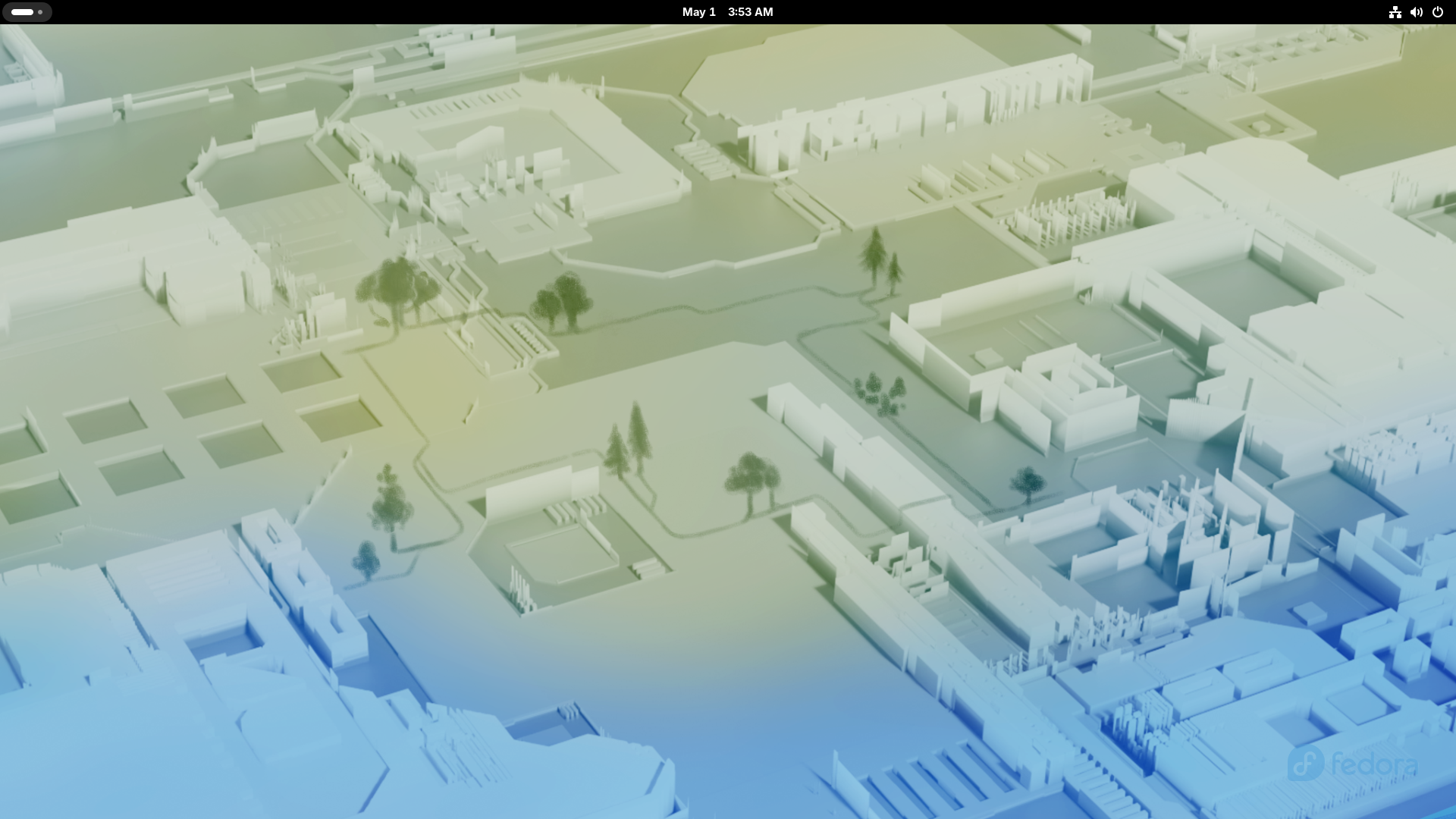
Reference screenshot; point releases may differ. The Fedora Project; screenshot by Daichungus · Source · GPL-2.0-or-later
Description
Fedora Linux is a community distribution sponsored by Red Hat that delivers current free-software technologies on a regular release cadence. Fedora Workstation 44 provides a polished GNOME desktop, while Fedora Server and other official editions serve different deployment needs.
Who is Fedora Linux for?
Fedora Linux is primarily suited to daily desktop use, study, web browsing and productivity; servers, virtual machines and self-hosted services; experienced Linux users who want detailed control over the system. Before choosing it, compare the current release lifecycle with the length of support required for the machine. This distribution is based on independent, which influences package formats, repositories and much of the available documentation. The listed desktop environment is GNOME; confirm its memory, graphics and accessibility requirements on the official project site. The best choice depends on hardware support, preferred software, update policy and the amount of system administration the user wants to perform.
Before installing
Read the release notes and installation guide before downloading. Select an image that matches the processor architecture and intended use: desktop, server, live media, virtual machine or another published edition. Test Wi-Fi, graphics, audio, storage and suspend from live media when that option is available. Back up important files before repartitioning, encryption changes or dual-boot installation. For production deployment, verify application compatibility, upgrade paths, backup restoration and the project security-support policy in a non-production environment first. Download from an official project page or mirror, compare the published SHA-256 checksum, and verify a signed checksum when the project provides one. After installation, apply updates before adding third-party repositories or drivers.
Advantages
- Offers installation or deployment options intended for server and infrastructure workloads.
Limitations
- Installation or administration may require more Linux knowledge than beginner-focused systems.
- Its independent package ecosystem can have fewer third-party instructions than Debian-, Ubuntu- or Arch-based systems.
Distribution details
- System type
- linux_distribution
- Based on
- independent
- Desktop
- GNOME
- Updates
- Stable releases
- Categories
- desktop, server, advanced
Installation requirements
- Architectures
- x86_64aarch64
- Memory
- 4 GB recommended
- Storage
- 40 GB recommended
- Firmware
- A 4 GB USB drive is required for Fedora Media Writer.
Fedora states these as recommendations for most variants; doubling them may improve the experience.
Safe download
The download button first records an anonymous aggregated download counter and then redirects to the official source.
After installing Fedora
Ten practical checks for Fedora Workstation 44. Commands are instructions for your own computer. Atomic desktops and Server require different workflows.
Create a backup
Copy documents to a separate backup destination and restore a sample file before changing the system.
Before you continue: Keep recovery passwords accessible if the computer stops booting.
Read project documentation: Create a backupReview software repositories
List enabled repositories. Investigate any source you do not recognize before updating.
Before you continue: Repositories can supply privileged system packages. Add sources only when needed.
Read project documentation: Review software repositoriesdnf5 repo list --enabledInstall Fedora updates
Upgrade installed packages with DNF5 and review the transaction summary. Save your work and reboot after a kernel update.
Before you continue: Keep power connected and let the transaction finish. This workflow is for conventional Workstation, not Atomic desktops.
Read project documentation: Install Fedora updatessudo dnf5 upgradeCheck firmware availability
List supported devices and available updates. Some hardware does not support updates through LVFS.
Before you continue: Installing firmware is a separate operation. Read vendor instructions, power requirements and reboot precautions first.
Read project documentation: Check firmware availabilityfwupdmgr get-devices fwupdmgr refresh fwupdmgr get-updatesTest hardware and drivers
Test Wi-Fi, audio, graphics and suspend. Most drivers are included; identify the exact device if something fails.
Before you continue: Proprietary drivers need instructions for your hardware and Fedora release, including Secure Boot requirements.
Read project documentation: Test hardware and driversReview Flatpak applications
List configured remotes and update installed Flatpak applications. Review publishers and permissions before installing new applications.
Before you continue: Review the proposed changes before confirming. Flatpak applications have their own updates.
Read project documentation: Review Flatpak applicationsflatpak remotes flatpak updateTest your media formats
Try a sample video and audio file. If playback fails, identify the codec and choose a supported player from a trusted source.
Before you continue: Codec availability and licensing vary. Understand any additional repository before enabling it.
Read project documentation: Test your media formatsCheck SELinux
Read the current mode. Enforcing means the policy is enforced. Investigate application denials before changing security settings.
Before you continue: This command only reports the mode.
Read project documentation: Check SELinuxgetenforceCheck the firewall
Confirm that firewalld is running before configuring network sharing. Read the firewall documentation before opening services.
Before you continue: An inactive firewall needs investigation. Remote rule changes can interrupt access.
Read project documentation: Check the firewallfirewall-cmd --stateReview service health
After restarting, inspect failed system units and investigate recurring failures.
Before you continue: A failed unit needs diagnosis before it is disabled.
Read project documentation: Review service healthsystemctl --failed